


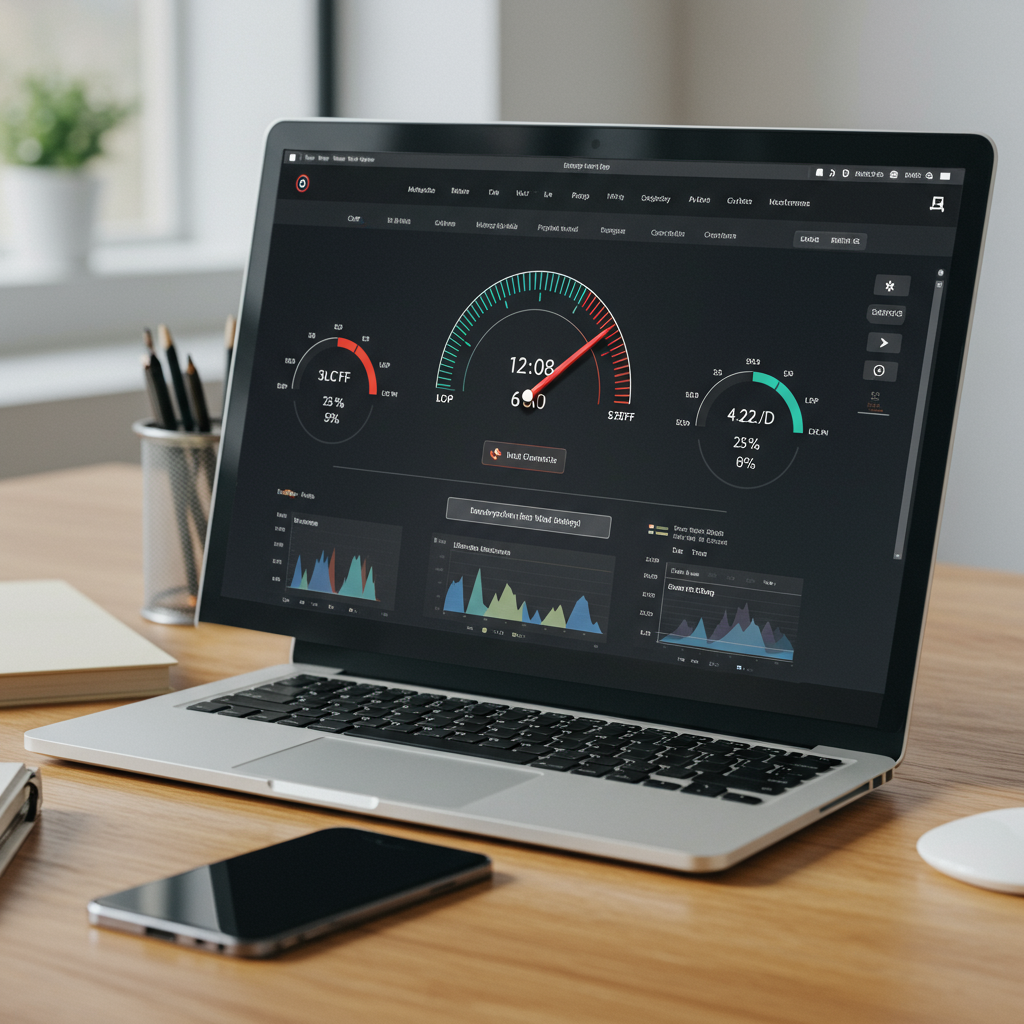
Core Web Vitals are Google’s key performance metrics measuring loading speed, interactivity, and visual stability. Optimizing LCP, FID, and CLS improves user experience, boosts search rankings, reduces bounce rates, and increases conversions. Continuous monitoring and performance optimization are essential for long-term SEO success.
In today’s competitive digital landscape, user experience is king, and businesses that fail to prioritize it risk losing traffic, customers, and revenue. Google’s Core Web Vitals have emerged as essential benchmarks for evaluating website performance and overall health, focusing on real-world user interactions rather than just technical metrics. These user-centric indicators—Largest Contentful Paint (LCP), First Input Delay (FID), and Cumulative Layout Shift (CLS)—measure how quickly content loads, how responsive a site is to user interactions, and how visually stable pages remain during browsing. Optimizing these metrics ensures that visitors experience fast, smooth, and visually consistent web pages, which not only enhances user satisfaction but also improves engagement, increases conversion rates, and strengthens brand credibility. By aligning technical performance with user expectations, businesses can gain a competitive edge, reduce bounce rates, and encourage repeat visits, making Core Web Vitals a vital part of any modern SEO and digital strategy.
What Are Core Web Vitals?
 Core Web Vitals are a set of user-centric metrics defined by Google to measure essential aspects of website usability. They focus on loading performance, interactivity, and visual stability to ensure a high-quality browsing experience. The three key indicators are:
- Largest Contentful Paint (LCP) – measures loading speed of the main content.
- First Input Delay (FID) – measures responsiveness to user interactions.
- Cumulative Layout Shift (CLS) – measures unexpected layout shifts during page load.
Optimizing these metrics improves site performance, enhances user satisfaction, and boosts SEO rankings as part of Google’s Page Experience signals. Learn more about Semantic SEO.
Why Core Web Vitals Matter for SEO
Core Web Vitals play a crucial role in modern SEO because they directly measure how users experience your website. Google has officially integrated these metrics into its ranking algorithm, meaning pages that load quickly, respond smoothly, and remain visually stable are more likely to achieve higher positions in search results—especially on mobile devices, where user experience is a top priority.
Beyond search rankings, strong Core Web Vitals significantly impact user behavior. Faster load times and smoother interactions reduce bounce rates, encourage visitors to stay longer, and increase engagement across your site. When users can easily interact with content without delays or layout shifts, they are more likely to complete desired actions, such as signing up, making a purchase, or submitting a form.
Optimized Core Web Vitals also help build trust and credibility. A fast, responsive website signals professionalism and reliability, strengthening your brand’s authority in competitive markets. In contrast, poor performance leads to slow-loading pages, frustrated users, and abandoned sessions—resulting in lost traffic, lower conversions, and missed revenue opportunities.
In short, Core Web Vitals are not just technical metrics; they are business-critical signals that influence SEO visibility, user satisfaction, and long-term growth.
The Three Key Metrics Explained
- Largest Contentful Paint (LCP)
LCP measures how quickly the main content of a page becomes visible to users. A fast LCP ensures visitors see meaningful content without waiting. Target: 2.5 seconds or faster. - First Input Delay (FID)
FID gauges the time it takes for a page to respond to a user’s first interaction (like clicking a button or link). Lower FID improves interactivity. Target: under 100 milliseconds. - Cumulative Layout Shift (CLS)
CLS measures visual stability by tracking unexpected layout shifts that occur while a page loads. Low CLS prevents frustrating content jumps. Target: below 0.1.
How to Measure Core Web Vitals
Tracking your Core Web Vitals is the first step toward optimization. Use these reliable tools to monitor performance metrics in real time and identify issues:
- Google PageSpeed Insights provides lab and field data for both mobile and desktop, highlighting specific opportunities for improvement.
- Google Search Console’s Core Web Vitals report aggregates real user metrics from the Chrome User Experience Report (CrUX).
- Lighthouse is a powerful open-source tool built into Chrome DevTools for auditing performance, accessibility, and best practices.
- Chrome User Experience Report (CrUX) offers aggregated real-world performance data from millions of Chrome users.
Optimizing Largest Contentful Paint (LCP)
 Improving LCP focuses on reducing the time it takes for the largest visible element (usually images, videos, or large blocks of text) to load. Key strategies include:
- Optimize images by compressing, serving next-gen formats (WebP, AVIF), and using responsive image sizes.
- Implement lazy loading for offscreen images and iframes to defer loading until needed.
- Use a Content Delivery Network (CDN) to cache assets closer to users and reduce server response times.
- Minimize render-blocking resources by inlining critical CSS, deferring noncritical JavaScript, and leveraging asynchronous loading.
- Preload fonts and critical assets to ensure important resources start downloading early in the load process.
Enhancing First Input Delay (FID)
FID measures the time from when a user interacts with your page to when the browser responds. To reduce input delay, focus on minimizing main-thread work and optimizing JavaScript execution:
- Break up long tasks by splitting JavaScript into smaller, asynchronous chunks.
- Use web workers for heavy computations to keep the main thread free for user interactions.
- Optimize third-party scripts by deferring or lazy loading nonessential libraries and tracking codes.
- Implement code-splitting to ensure users only download the JavaScript needed for initial page load.
Reducing Cumulative Layout Shift (CLS)
Layout shifts occur when visible elements move unexpectedly during page loading or interaction, leading to a frustrating user experience and lower engagement. Achieving a low CLS score is crucial for maintaining visual stability and providing a smooth browsing experience. Follow these best practices to minimize layout shifts:
- Specify Size Attributes: Always define width and height for images, videos, and iframes. Reserving space for these elements prevents the browser from shifting content as assets load, ensuring that the layout remains stable.
- Avoid Unexpected Content Insertion: Refrain from inserting content above existing content unless triggered by a deliberate user interaction, such as clicking a button or opening a menu. This prevents sudden jumps that can confuse or frustrate users.
- Use CSS Aspect-Ratio for Responsive Media: Implement the CSS
aspect-ratioproperty for media containers to maintain consistent dimensions across different devices and screen sizes. This approach ensures that visual elements scale properly without causing shifts. - Preload Web Fonts: To avoid invisible or flashing text during font loading, preload critical web fonts and use the
font-display: swapproperty. This allows the browser to render fallback fonts immediately and swap them with the correct font once loaded, preventing layout changes. - Reserve Space for Dynamic Content: For ads, pop-ups, or interactive widgets, allocate fixed or minimum space within the layout. Doing so prevents content from shifting when these elements appear, maintaining a seamless experience.
- Test Across Devices and Browsers: CLS can vary depending on device type, screen resolution, and browser. Regularly test your pages on multiple platforms to identify and fix unexpected layout shifts.
- Monitor and Iterate: Use tools like Lighthouse, PageSpeed Insights, and Chrome UX Report to monitor CLS scores. Continuously review and optimize pages, particularly after design updates or new content additions, to ensure consistent visual stability.
By following these guidelines, you can minimize layout shifts, provide a stable and enjoyable browsing experience, and improve both user satisfaction and SEO performance.
Best Practices for Ongoing Monitoring
 Optimizing Core Web Vitals is not a one-time task—it requires continuous monitoring, maintenance, and proactive adjustments to ensure your website consistently delivers a high-quality user experience. Consider these strategies to stay ahead and maintain optimal performance:
- Schedule Regular Audits: Conduct routine audits using automated tools like Lighthouse CI and PageSpeed Insights API. Regular assessments help you detect performance issues early, track improvements over time, and maintain alignment with Google’s evolving standards.
- Set Up Performance Budgets: Establish performance budgets in your development workflow to catch regressions before deployment. By defining limits for loading times, script execution, and layout shifts, your team can prevent performance degradation during updates or new feature releases.
- Leverage Real User Monitoring (RUM): Use RUM platforms such as New Relic, Datadog, or SpeedCurve to gather real-time performance data from actual visitors. Monitoring real-world experiences allows you to identify bottlenecks, understand user behaviour, and make informed decisions based on how your audience interacts with the site.
- Stay Updated on Web Standards: Continuously educate your team about evolving web standards, browser updates, and changes in Google’s Page Experience guidelines. Staying informed ensures your site remains compatible across devices and browsers while adhering to best practices for speed, interactivity, and stability.
- Integrate Monitoring into Development Processes: Embed performance checks into your CI/CD pipeline to catch issues automatically during development. This proactive approach reduces the likelihood of introducing regressions and ensures Core Web Vitals remain optimized with each update.
- Analyze Historical Trends: Track performance metrics over time to identify patterns or recurring issues. Historical data provides context for optimization decisions and helps prioritize fixes that have the greatest impact on user experience and SEO.
By adopting these best practices, you can maintain fast, responsive, and visually stable web experiences that enhance user satisfaction, improve SEO rankings, and support long-term business growth. Continuous monitoring turns Core Web Vitals optimization into an ongoing, measurable, and strategic process rather than a one-time effort.
Conclusion
Core Web Vitals are essential benchmarks for delivering fast, interactive, and stable web experiences. By understanding the metrics, measuring site performance, and applying targeted optimizations, you can improve your SEO rankings, enhance user satisfaction, and drive business growth. Make Core Web Vitals a priority in your development and content strategy to provide visitors with seamless experiences that set your site apart from the competition. Start auditing your pages today, implement the best practices outlined in this guide, and watch your site’s performance—and rankings—soar.
Frequently Asked Questions – Core Web Vitals (Extended)
1. What are Core Web Vitals?
Core Web Vitals are a set of performance metrics introduced by Google to measure real-world user experience. They focus on how fast a page loads, how quickly users can interact with it, and how stable the layout remains during loading. The three main metrics are Largest Contentful Paint (LCP), First Input Delay (FID), and Cumulative Layout Shift (CLS).
2. Why are Core Web Vitals important for SEO?
Core Web Vitals are part of Google’s page experience ranking signals. Websites that meet Google’s recommended thresholds are more likely to rank higher, retain visitors, and deliver smoother browsing experiences, especially on mobile devices.
3. What is Largest Contentful Paint (LCP)?
LCP measures how long it takes for the largest visible element—such as a hero image or main text block—to load on the screen. It reflects perceived loading speed from a user’s perspective.
4. What is a good LCP score?
A good LCP score is 2.5 seconds or less. Pages that load their main content quickly create better first impressions and reduce bounce rates.
5. How can I improve LCP performance?
You can improve LCP by compressing images, using modern formats like WebP, enabling server-side caching, reducing render-blocking resources, and delivering content via a CDN.
6. What is First Input Delay (FID)?
FID measures how quickly a page responds when a user first interacts with it, such as clicking a button or tapping a link. It reflects responsiveness and usability.
7. What negatively affects FID?
Heavy JavaScript execution, long main-thread tasks, and excessive third-party scripts increase FID. Optimizing and deferring JavaScript improves responsiveness.
8. What is Cumulative Layout Shift (CLS)?
CLS measures visual stability by tracking unexpected layout shifts while a page loads. Sudden movement of text or buttons creates poor user experiences.
9. What is a good CLS score?
A good CLS score is below 0.1, meaning page elements stay stable and predictable during loading.
10. How can I reduce CLS issues?
Always define image and video dimensions, avoid inserting content above existing elements, and use proper font-loading strategies to prevent layout shifts.
11. How can I measure Core Web Vitals?
Core Web Vitals can be measured using Google PageSpeed Insights, Search Console, Lighthouse, and the Chrome User Experience Report (CrUX) for real-user data.
12. Do Core Web Vitals affect mobile rankings and conversions?
Yes. Google prioritizes mobile page experience, and optimized Core Web Vitals lead to faster pages, better engagement, lower bounce rates, and higher conversion rates.